
Harvest Command
Harvest at peak efficiency with the new Harvest Command combine automation system. This advanced technology helps refine
the harvesting process by reducing the number of functions you need to monitor in the cab. Control concave clearance and grain tank unload,
then Harvest Command takes care of the rest.
Automation For High-Efficiency Harvest
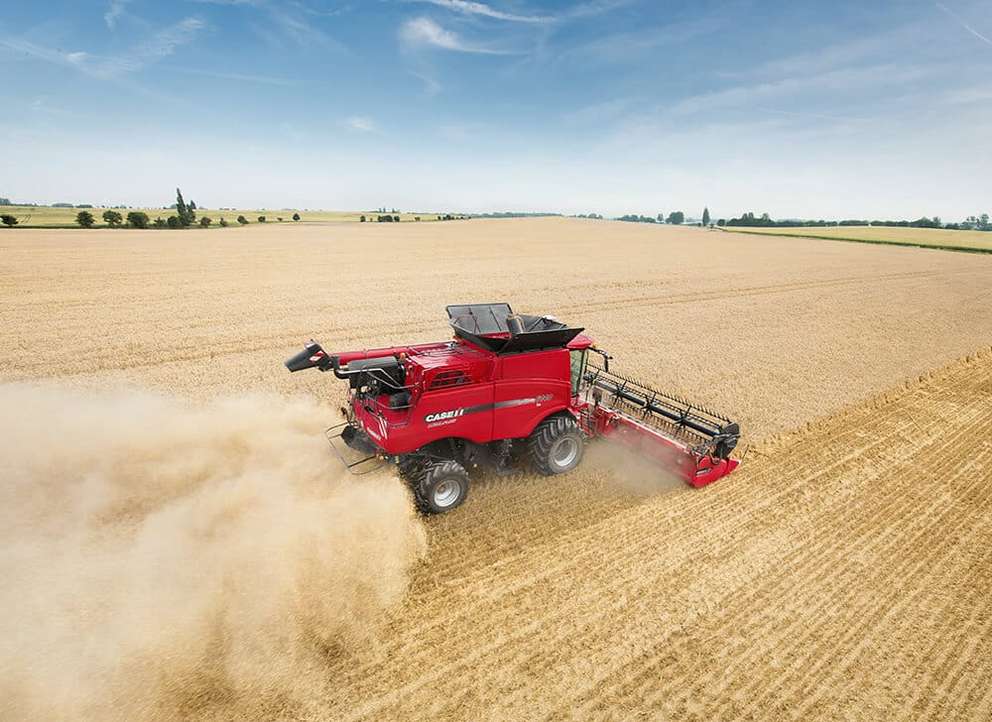
Available with the Axial-Flow® 250 series combine, this advanced technology simplifies harvest by proactively sensing and optimising machine settings to maximize grain quality and grain savings. Harvest Command requires much less knowledge about harvesting to achieve great results! Harvest Command provides:
- Higher revenue from your crop
- Low running cost
- Reduce operator fatigue
- Easiness even for inexperienced operators
Automation For High-Efficiency Harvest
Available with the Axial-Flow® 250 series combine, this advanced technology simplifies harvest by proactively sensing and optimising machine settings to maximize grain quality and grain savings. Harvest Command requires much less knowledge about harvesting to achieve great results! Harvest Command provides:
- Higher revenue from your crop
- Low running cost
- Reduce operator fatigue
- Easiness even for inexperienced operators
1- Start with your settings
You only have 4 different selections to set-up on the intuitive Pro 700: the crop type, your harvesting strategy (details below), the maximum ground speed and the maximum engine load.
Customisable automation range parameters can also be set-up (exclusive on the market). Your initial field setups are reduced to a couple of minutes!
2- Only 2 inputs required
Then, the system will automatically adjust the fan speed, ground speed, sieve opening, rotor speed and rotor cage vanes according to your parameters.
That means only two manual inputs are required during harvesting activities: setting the concave clearance and operating the unloading auger.
3- Enjoy automation!
With its 16 sensors throughout the machine, Harvest Command takes over controlling seven combine adjustments regardless of the time of day, crop conditions or moisture levels.
In focusing only on unloading and logistics, you are relieved from some management stress.
3 good reasons to adopt Harvest Command
Do you have different operators?
Seasonal operators without much experience will mostly not have enough experience to obtain good grain samples, or high capacity at minimal losses. Even the most experienced operators can lose sight of a changing condition, an optimisation opportunity and operate the machine below the optimum.
Harvest Command is designed for all operators in adapting and maintaining the set strategy, from morning till evening.
Are you dealing with field changing conditions?
We know that changing field conditions, wet or dry spots, uphill/side hill/downhill harvesting need each a different setting. And this could be frustrating. This frustration results in a “one-setting-good-for-all” approach which decreases your harvesting potential.
Harvest Command adapts whenever the conditions require it so that you always get the maximum productivity and grain quality.
Do you need to harvest different crops?
Moving from field to field with new crops requires to reset the combine, many times a day. Switching between canola/winter wheat of different varieties can be time-consuming if settings have to be done.
Known for its adaptability, the Axial-Flow 250 series equipped with Harvest Command is going further in automating the harvest in the different main crops to give you maximum versatility.
Choose Among 4 Harvesting Strategies
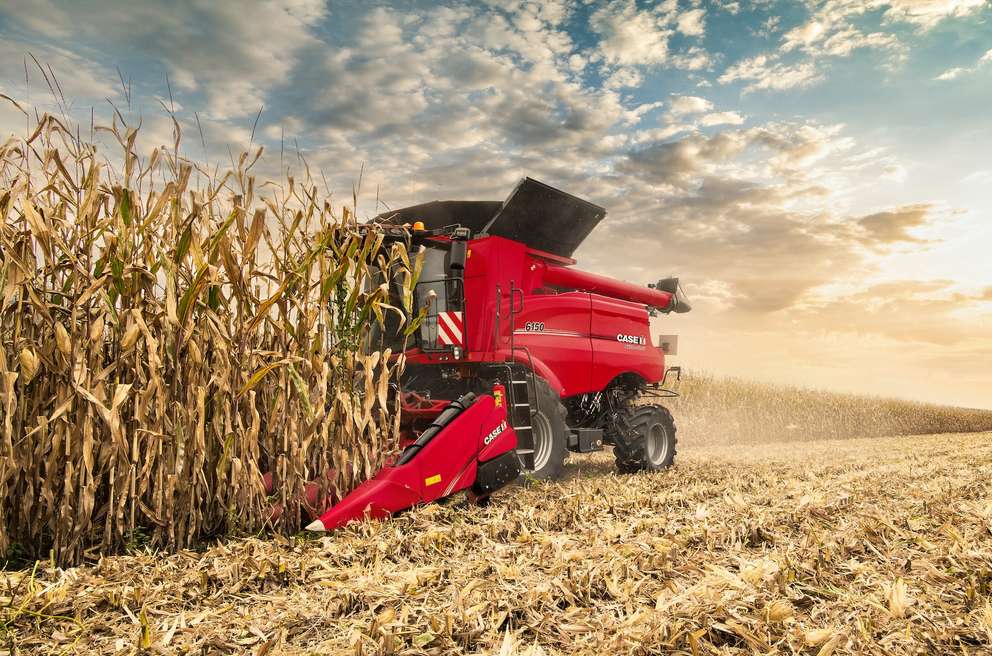
Each automation mode prioritises different harvesting outcomes. Choose the mode of automation to match your harvesting goals. Then set the crop type, maximum operating speed and power limits and Harvest Command takes over from there.
Performance mode
Target
Automation & feedrate strategy: preventing losses
Feedrate control
Feedrate control attempts to reach target engine load based on rotor and sieve losses
Automation settings
Combine settings constantly adjusted to prevent losses
Crop conditions
Useful in small/light/expensive crops where grain loss results in financial losses
Grain quality mode
Target
Automation & feedrate strategy: grain quality & sample cleanliness
Feedrate control
Feedrate control increases ground speed as long as no grain quality issues are present
Automation settings
Combine settings constantly adjusted to maintain the lowest amount of cracked grains
Crop conditions
Optimal mode for seed production and wet or expensive crops
Maximum throughput mode
Target
Automation & feedrate strategy: maximising throughput
Feedrate control
Feedrate control varies ground speed to operate the combine always at the target engine load or maximum ground speed limit
Automation settings
Combine settings adjusted to control grain loss
Crop conditions
Critical weather conditions or for maximum performance & efficiency
Fixed throughput mode
Target
Automation & feedrate strategy: constant crop flow & minimum losses
Feedrate control
Feedrate control varies ground speed to maintain consistent crop processing power
Automation settings
Combine settings optimised to prevent losses
Crop conditions
Constant throughput to match transport capacity off the field or drying capacity
3 good reasons to adopt Harvest Command
Maximised capacity
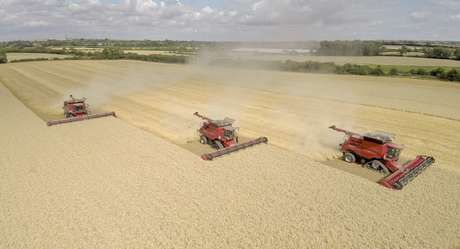
By constantly adjusting combine settings during the entire day, Harvest Command provides increased daily productivity.
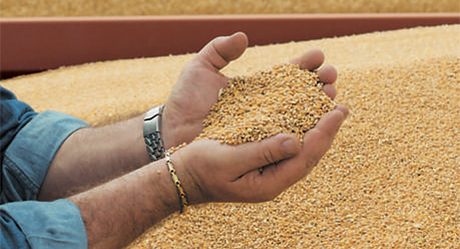
Improved revenue opportunities
The system increases bargaining power thanks to the low damaged grain ratio and you get also a greater production due to the reduced grain loss.
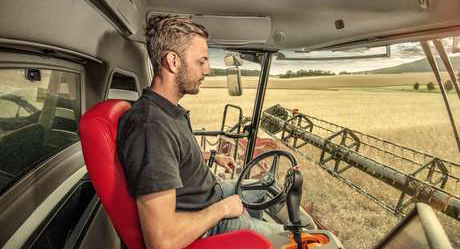
Reduced operator fatigue
No need to stay focused the whole harvesting day at each changing condition. The system will adapt and maintain the set strategy, from morning till evening.

Time-saving
Do not waste time with manual calibration and combine resetting moving from field to field. The system is configured to work across different crops.
